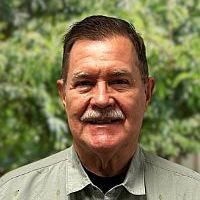
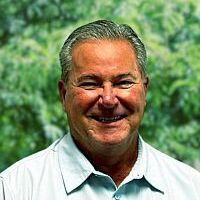
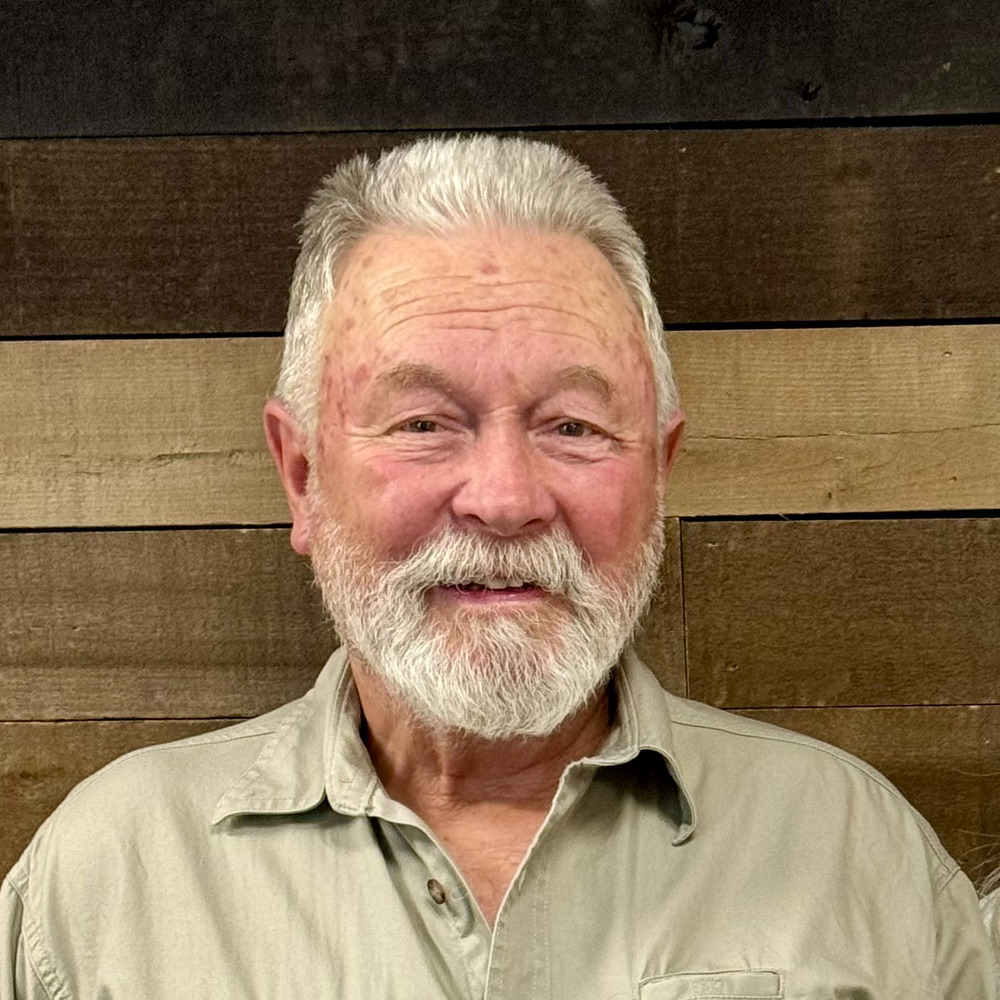
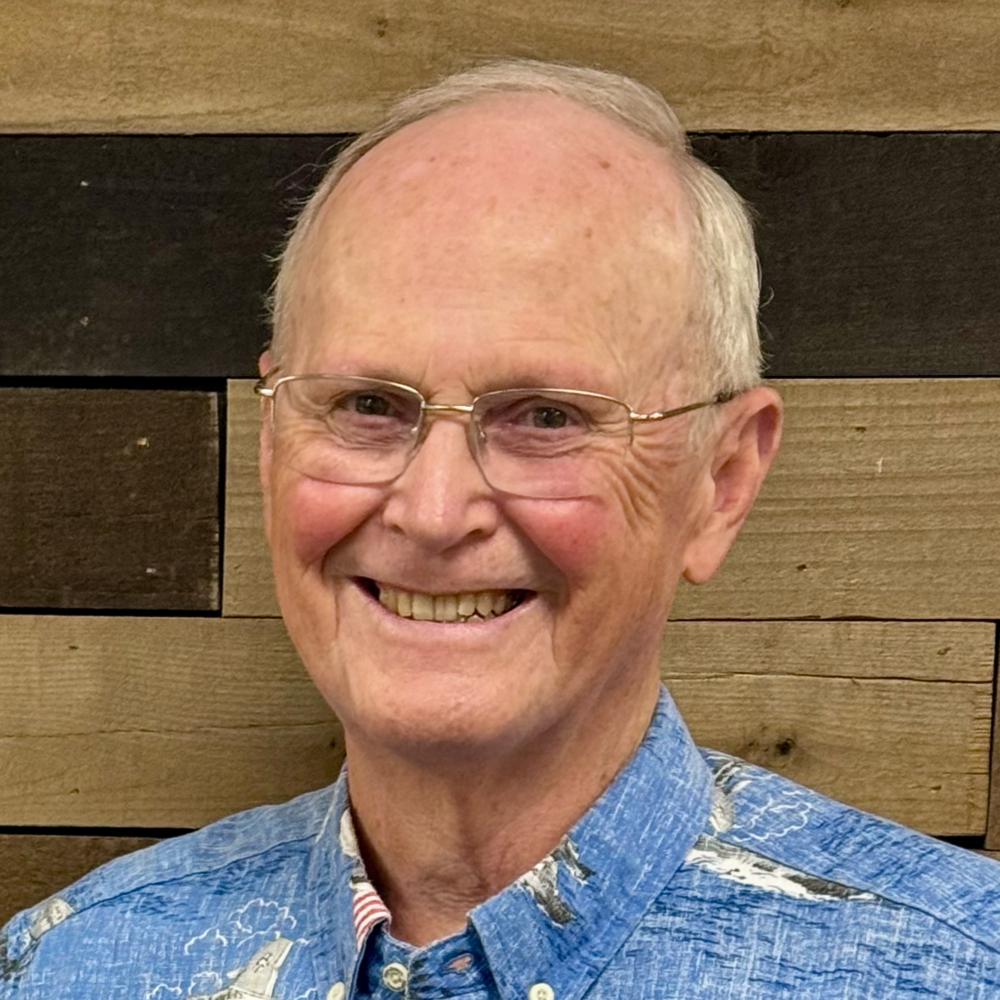
Photo Gallery

To be added to or removed from the LBC Photo Gallery, contact the Church Office.

How does this page work?

The shortcode above puts the photo gallery on this page. It’s run by a plugin: LBC Photo Gallery.

  1. Every 24 hours, the plugin checks the Planning Center list called Website Photo Gallery.
  2. The plugin gets the data from the list and stores it in a file called people.json.
  3. When the page is loaded, the data is taken from people.json.

Adding or Removing People

Go to that person’s Planning Center profile and click the Website Photo Gallery link in the left column. Edit their answer and check the Yes box to add them, uncheck to remove them. Do not add people to the Photo Gallery who don’t have a picture in Planning Center.

The image labels are created manually – for each person – using CSS, which is in the Meta Boxes section here, in the editor, below. Grab the grey bar and pull it up to show the CSS, which is formatted like this:

.id-(their Planning Center ID)::before { content: 'ELDER'; }

The word in the content section is the word that appears on their label. There’s also some javascript in the Meta Boxes. That toggles the “large images” option on the page, and it runs the search function as well.

If you have questions, contact Tony Scialdone.

×

Weekly EmailAnnouncements in your inbox every week!